




























An automatic watch can sound alive while showing the wrong time—or no visible progress at all. You may hear the escapement ticking, see the balance moving through an exhibition back, or notice the seconds hand sweeping while the hour and minute hands stay fixed. That combination is useful diagnostic evidence. It usually means the movement is producing at least some power, but that power is not reaching the display correctly.
When an automatic watch ticks but the hands don’t move, the likely cause depends on exactly which hands have stopped, whether they can still be set with the crown, and whether the fault occurs at the same point on the dial. A loose cannon pinion is a common explanation when the seconds hand continues normally, but touching hands, a displaced hand, dial interference, a motion-work fault, or a deeper gear-train problem can produce similar symptoms.
This guide explains what the symptom means, the observations you can make without opening the case, and why most internal fixes are better left to a watchmaker.
First Identify What Is Actually Moving
“The watch is ticking” can describe several different conditions. Before assuming that the movement is healthy, observe the watch under good light for at least two minutes and separate these patterns:
- The seconds hand moves, but the minute and hour hands do not. The escapement and much of the going train are operating. The fault is more likely in the motion work that transfers rotation to the time display.
- The seconds hand moves and the other hands advance, but far too slowly or intermittently. A slipping friction connection, partial obstruction, or poor engagement is possible.
- No hand moves, but ticking is audible. The sound may come from a balance that oscillates briefly without enough power to drive the train, or from a train that is blocked farther downstream.
- The hands stop at the same place on the dial. Physical contact between hands, the crystal, the dial, an applied marker, or the date mechanism becomes more likely.
- The hands move when you set the time but stop during normal running. This points away from a completely disconnected setting mechanism and toward insufficient drive through the motion work.
Confirm the symptom with the watch off the wrist. Wrist movement can make a loose seconds hand twitch or temporarily free a hand that is rubbing. Place the watch dial-up on a stable surface, note the exact hand positions, and compare them after five to ten minutes.
Why a Loose Cannon Pinion Is the Classic Cause
In many traditional mechanical movements, the cannon pinion is a small tubular component fitted by friction around the center-wheel arbor or an equivalent drive point. It carries the minute hand directly or drives the minute display through the motion work. It must grip firmly enough to transmit normal running torque, yet slip in a controlled way when the crown is used to set the hands.
If that friction becomes too weak, the going train can continue to run while the cannon pinion slips. The seconds indication may look normal because it is driven elsewhere in the train, but the minute hand receives too little torque. The hour hand, driven through the minute wheel and hour wheel, then stops as well. Some watches run correctly for a short period after setting and gradually lose displayed time; others leave both hands almost stationary.
A loose cannon pinion can result from wear, incorrect previous adjustment, incomplete seating after service, or contamination where controlled friction is required. Movement architecture varies, so not every caliber uses the same arrangement. The symptom suggests a transmission problem; it does not prove one particular component is faulty.
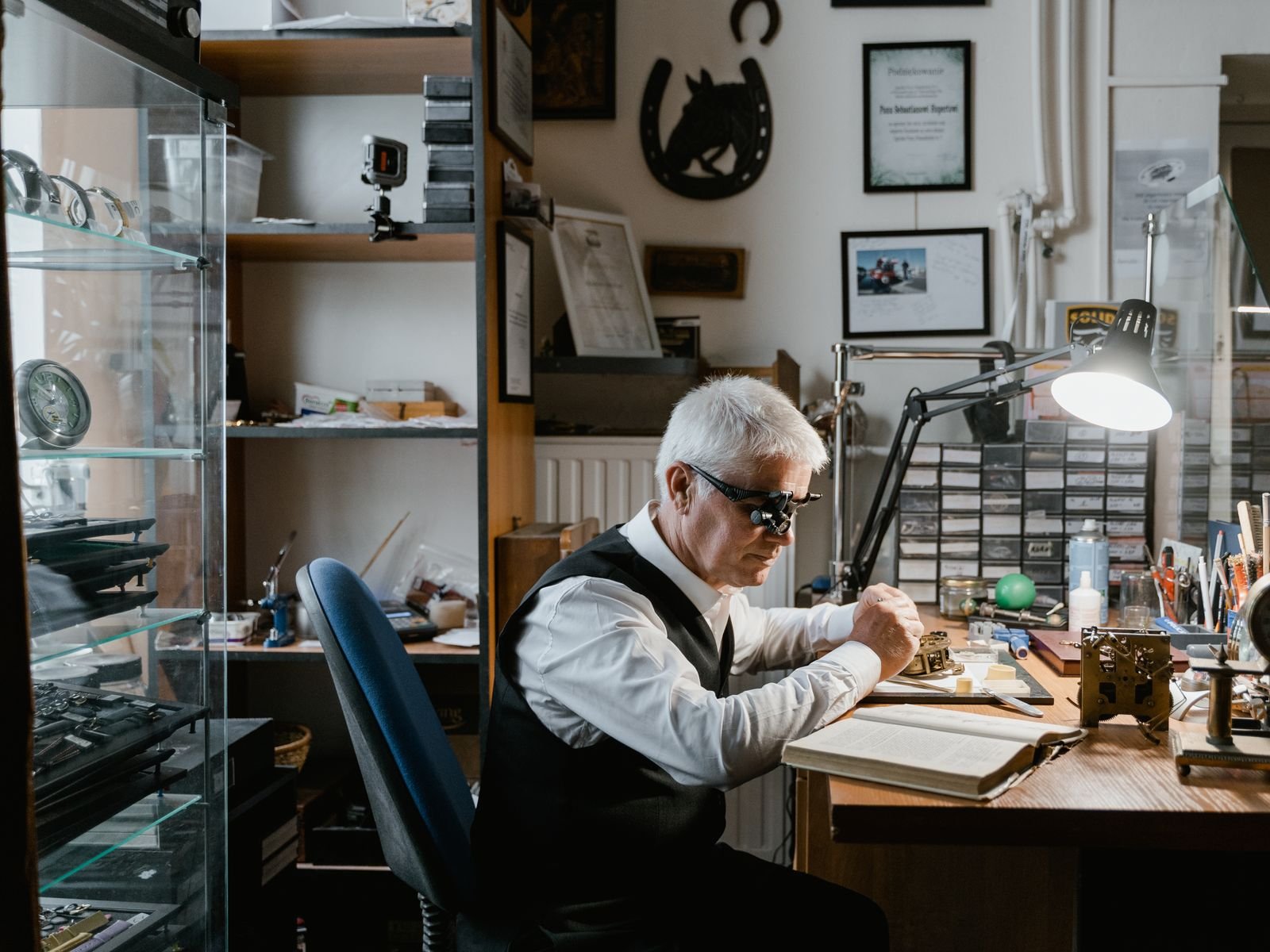
Correcting cannon-pinion tension is not a sensible first repair for an owner. A watchmaker generally has to remove the movement, hands, and dial, inspect the fit, and adjust or replace the part without crushing it or damaging the center arbor. The hand stack must be reinstalled with correct height and alignment, and water resistance may need testing after the case is closed.
Other Reasons the Movement Runs but the Hands Stop
Hands Touching Each Other
The hour, minute, and seconds hands occupy separate heights with very small clearances. A hand can bend after an impact or be installed too low during prior service. If the minute hand catches the hour hand, both may stop while the movement continues trying to drive them. A seconds hand can also rub the minute hand, the underside of the crystal, or the dial.
Look across the dial from a shallow angle rather than pressing on the crystal. A recurring stop when two hands overlap is a strong clue. Do not try to bend a hand through the crown or shake the watch free; the extra load can mark the dial, loosen a hand, or damage the movement.
A Loose or Displaced Hand
A hand is friction-fitted to its post. If the fit loosens, the post may rotate beneath the hand. The hand can remain still, lag, or fall toward the dial. A displaced hand often follows a knock, but it can also appear after imperfect installation. If only one hand is affected while the others keep time, its individual fit and clearance deserve attention.
Minute Wheel, Hour Wheel, or Dial-Side Engagement
The motion work includes gears that reduce the minute-hand rotation to one revolution every twelve hours for the hour hand. A wheel can be missing, damaged, lifted out of engagement, or installed without a required washer. These faults are particularly relevant after recent service or dial work. They cannot be confirmed from the outside.
Dried Lubricant, Debris, or Damaged Teeth
Old lubricant and contamination increase resistance. A bent pivot, damaged wheel tooth, or foreign particle can stop the display intermittently even while the balance continues for a time. A watch that has not been serviced for many years may have more than one contributing fault. Simply adding oil from the case back is not a repair: correct lubrication requires disassembly, cleaning, inspection, and controlled application of specified lubricants.
Calendar Load or Dial Interference
If the watch stops near midnight, the calendar mechanism may be involved. A damaged or incorrectly assembled date component can add enough resistance to halt the hands. If the stoppage always occurs at the same dial position rather than the same time of day, hand or dial contact is more likely. That distinction is worth recording for the watchmaker.
Safe Checks You Can Perform at Home
- Give the watch adequate power. If the caliber supports hand winding, follow the manufacturer’s instructions and wind it gently. Many modern automatics can be started with roughly 20 to 40 crown turns, but the correct procedure is model-specific. Stop if winding feels gritty, unusually tight, or produces scraping.
- Set a clear reference time. Move the hands forward to a position where they do not overlap, return the crown correctly, and compare the display with a reliable clock.
- Watch the seconds indication. Record whether it runs continuously, stops, or only twitches. On a watch without a seconds hand, sound alone cannot confirm the entire train is advancing.
- Check for a repeatable stopping point. Note whether the fault follows the same hand overlap, dial position, or calendar-change period.
- Inspect from several angles. Without opening the case, look for a hand that is tilted, touching another hand, resting on the dial, or sitting unusually close to the crystal.
- Document recent events. A drop, strong vibration, service, dial replacement, hand installation, or sudden onset can narrow the diagnosis.
Do not repeatedly force the hands past resistance. Avoid magnets, case-back tools, compressed air, oils, and attempts to press the crystal or hands into place. Opening a water-resistant watch introduces dust and can compromise its seals; handling the hands without proper protection can permanently mark the dial.
When to Stop the Watch and Seek Repair
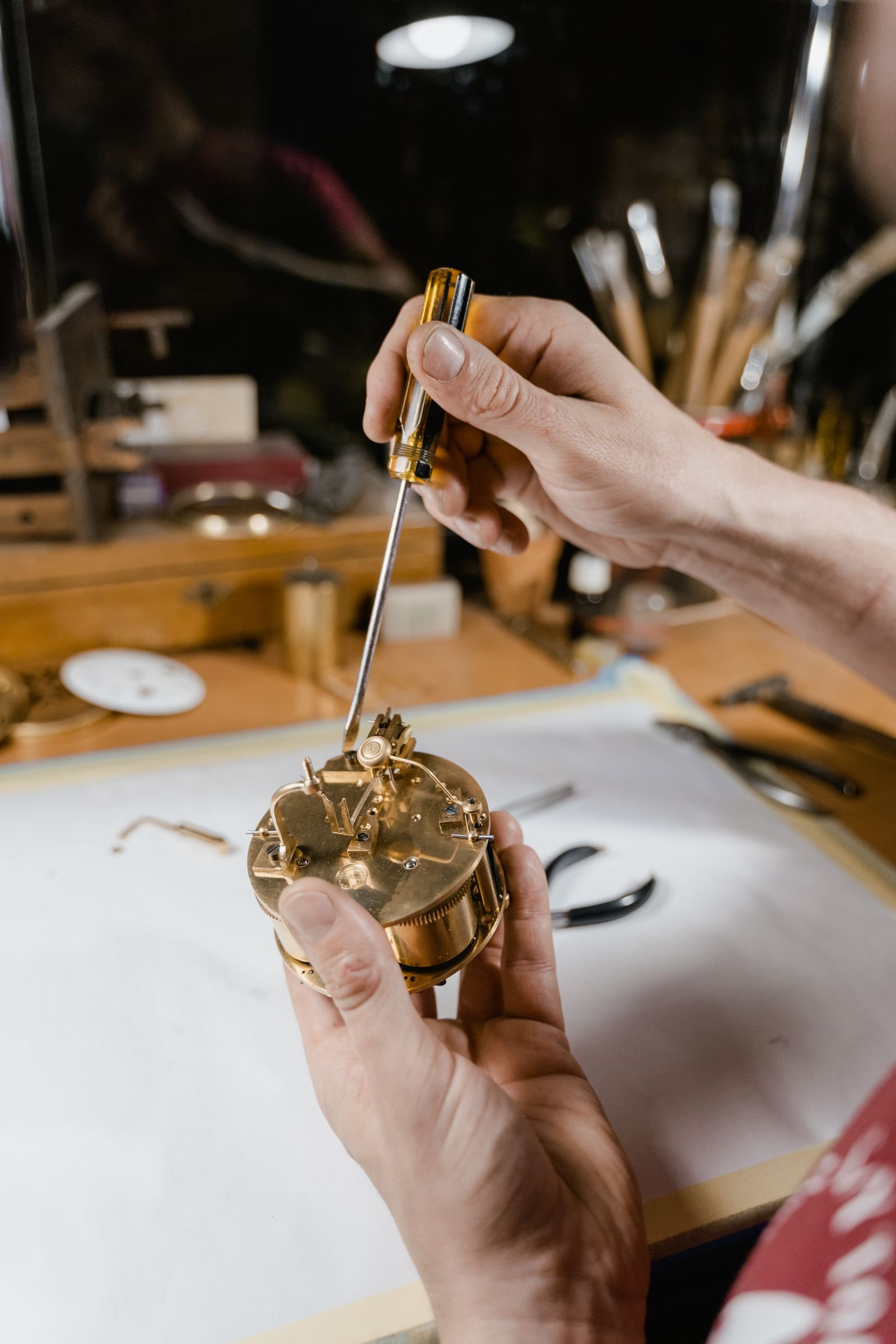
Arrange professional inspection if the hands touch, winding or setting feels abnormal, the fault began after an impact, or the watch recently received service. Also stop using it if you hear scraping or see loose material under the crystal. Continuing to run a blocked display can place unnecessary load on small teeth and pivots.
A watchmaker will typically verify power delivery, inspect amplitude and train behavior, remove the movement from the case, check hand clearances, and examine the dial-side motion work. The repair might be limited to reseating a hand or restoring correct cannon-pinion friction. If wear, contamination, or damaged parts are present, a full service may be more reliable.
Ask for a pressure test after repair if the watch is intended for swimming or regular water exposure. Closing the case does not by itself establish water resistance.
Frequently Asked Questions
Why does the seconds hand move but the hour and minute hands do not?
The seconds indication may be driven by a different part of the gear train. If the cannon pinion or other motion-work component slips or disengages, the seconds hand can continue while the minute and hour hands stop.
Can low power make an automatic watch tick without moving the hands?
Yes. A nearly depleted mainspring may let the balance oscillate briefly without providing dependable torque through the whole train. Fully and correctly winding the watch is a useful first check, but persistent symptoms require inspection.
Can a watch winder fix hands that do not move?
No. A winder can maintain power in a functioning automatic watch, but it cannot repair slipping motion work, touching hands, or damaged gears. More winding may only keep a faulty mechanism under load.
Is a loose cannon pinion expensive to repair?
Cost depends on the caliber, access, parts, and whether broader servicing is needed. The adjustment itself may be straightforward for a trained watchmaker, but reaching it requires safe removal and reinstallation of the hands and dial.
Should I keep wearing the watch if only the minute hand has stopped?
It is better to stop and have it checked. A loose hand may scratch the dial, and a blocked or poorly engaged component can cause further wear.
Conclusion
When an automatic watch ticks but the hands don’t move, the movement is not necessarily dead. The pattern often isolates the problem to the display train: a loose cannon pinion is a leading suspect when the seconds hand continues, while repeatable stopping points suggest hand contact or calendar interference. Give the watch appropriate power, record exactly which hands move, and look for visible contact without opening the case. Those observations help a watchmaker diagnose the fault efficiently—and avoiding improvised internal repairs protects the dial, movement, and water resistance.