



























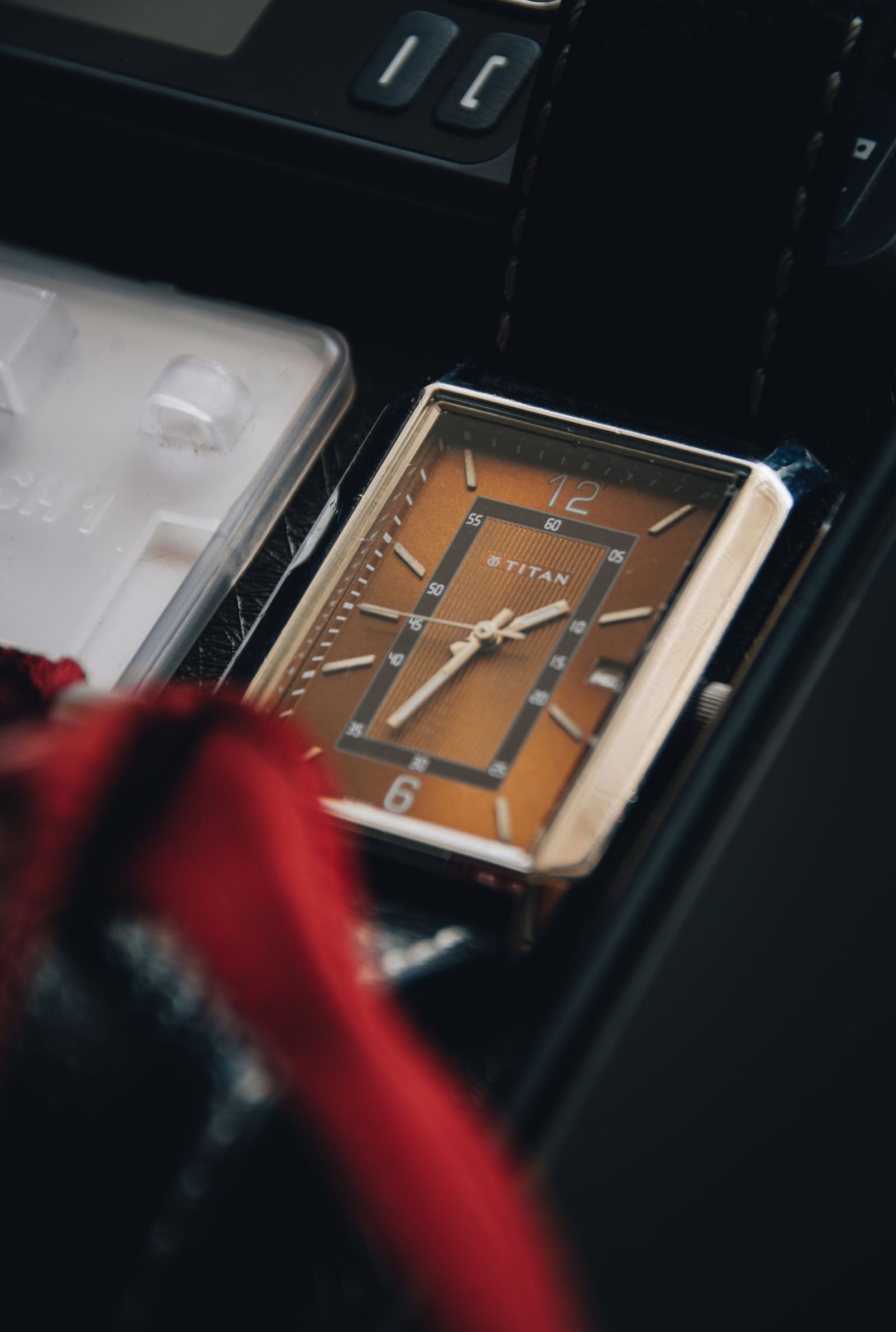
You synchronize your watch carefully, push the crown back toward the case, and the minute hand moves away from the marker you chose. Sometimes it shifts only a fraction of a minute. On other watches it jumps forward or backward by one or two minutes, undoing an otherwise precise setting.
A watch minute hand that jumps when the crown is pushed in is not automatically broken. Small movement can come from normal clearance in the hand-setting gears, the way a particular calibre disengages its setting mechanism, or a little rotation applied to the crown while it is being pressed. However, a large, inconsistent, or worsening jump can indicate excess play, poor cannon-pinion friction, wear in the keyless works, or a service issue.
The useful question is not simply whether the hand moves. It is how far it moves, whether the behavior is repeatable, and whether the watch runs and sets normally afterward. This guide explains what is happening inside the watch, how to test it without opening the case, and when professional inspection is sensible.
Why the Minute Hand Can Move as the Crown Changes Position
The crown does more than provide something to grip. Its stem operates the keyless works, a group of levers, pinions, and wheels that changes the crown’s function. In one position the crown may wind the mainspring; in another it may correct the date; in the outer position it engages the hand-setting train.
When you push the crown inward, the sliding components disengage from the setting wheels and return toward the winding position. Gear teeth need microscopic clearance so they can mesh without binding. That clearance creates a small amount of lost motion, commonly called backlash. If the teeth are loaded in one direction when the mechanism disengages, the release of that load can move the motion works and therefore the minute hand.
The minute hand is normally fitted to the cannon pinion. The cannon pinion must provide enough friction to carry the hands during normal running, but it must also slip in a controlled way when you set the time. That balance is deliberate. Too much friction makes setting stiff and can load the train; too little can let the hands slip, lag, or respond too easily to changes at the crown.
This is why the same visible symptom can have several meanings. A tiny repeatable nudge may be normal gear play. A large movement on a worn vintage watch may point to weak cannon-pinion friction. A jump unique to one calibre may be an acknowledged characteristic of its setting design.
Some Movements Are More Prone to a Setting Jump
Movement architecture matters. Oris, for example, explains that watches using its Calibre 400 family may show the minute hand moving backward when the crown is pulled out and forward when it is pushed in. The company attributes this to engagement between the hand-setting and correction components and describes it as normal for that design, not a durability or accuracy defect. Oris also provides a specific setting method to reduce the jump.
That example is important because it prevents a universal diagnosis. A one-minute change that is documented for one calibre cannot automatically be called acceptable on every movement. Consult the manufacturer’s manual, support material, or an authorized service center for your exact reference and calibre before judging it against another watch.
Age also changes the interpretation. A vintage movement may have accumulated wear in the setting wheels, stem components, or cannon pinion. Old lubricant, previous repairs, replacement parts, and repeated hand removal can all affect how the setting system feels. A behavior that has existed unchanged for years is less alarming than a new jump that appeared after a shock or service.
How Much Minute-Hand Movement Is Normal?
There is no single distance that applies to all mechanical and quartz movements, but these practical categories help.
- A barely visible twitch: Usually ordinary clearance or a small rotational input from your fingers, especially if the watch sets smoothly and keeps time normally.
- A consistent fraction of a minute: Often manageable backlash. Compare it with the manufacturer’s instructions and learn which setting direction removes the play.
- A repeatable jump of one or two minutes on a documented calibre: It may be a design characteristic. Use the brand’s recommended setting technique before seeking repair.
- A large or inconsistent jump: More reason for inspection, particularly if the hand can move with very light crown pressure or will not stay synchronized.
- A jump accompanied by slipping, roughness, or loss of motion: Treat it as a fault rather than a harmless setting quirk.
Accuracy after the crown is closed matters more than appearance during the instant of engagement. If the minute hand moves once but then advances normally and maintains the same relationship to the seconds hand, the issue may be limited to setting precision. If the minute hand later falls behind while the seconds hand continues, the motion works may not be transmitting power reliably.
A Safe Test You Can Do Without Opening the Watch
Use a reliable digital time display and good lighting. Do not perform the test while walking, and do not force a screw-down crown.
- Give a mechanical watch adequate power. Wind it according to the manufacturer’s instructions. Low reserve is not the usual cause of a setting jump, but starting from a stable power level makes the later running check more useful.
- Note the original behavior. Pull the crown to the time-setting position and observe whether the minute hand moves immediately. Record the approximate size and direction of the jump.
- Set several minutes ahead. Approach the desired time slowly, then reverse gently to the target if the manufacturer recommends that method. This takes up gear clearance from a predictable direction.
- Stop turning the crown. Press it inward with a straight, controlled motion. Avoid twisting it at the same time, because crown rotation can continue to drive partially engaged setting teeth.
- Repeat three times. Test from the same direction, then from the opposite direction. A stable pattern suggests backlash or a design characteristic; random movement suggests a less controlled problem.
- Check the next hour. Confirm that the minute hand advances normally, remains aligned with the seconds indication, and does not lag, flutter, or slip.
For a screw-down crown, first press it gently to the normal position, then engage the threads exactly as the manufacturer instructs. Do not use the screw-down action to force a reluctant stem inward. Cross-threading or damaged crown-tube threads creates a separate and potentially expensive problem.
Common Causes of an Excessive Jump
Backlash in the setting train
All meshing gears require clearance. Reversing the crown takes up the clearance in the opposite direction, which is why the hand may not respond immediately after a reversal. When the crown position changes, stored load can release and shift the hand. Modest, repeatable backlash can be normal; excessive lost motion may reflect wear or loose tolerances.
Crown rotation during push-in
It is surprisingly easy to twist the crown while pressing it. During the transition, the sliding pinion may still be partly engaged with the setting system. Even a small rotation can then move the hands. A straight push with relaxed fingers is the simplest variable to eliminate.
Loose or worn cannon pinion friction
The cannon pinion’s frictional fit lets the hands be set independently while allowing the running train to carry them afterward. If the fit is too loose, the minute hand may shift easily, respond erratically, or fail to advance consistently. A watchmaker can assess the friction and inspect related parts; this is not a repair to attempt through the dial or crown.
Keyless-works wear or incorrect assembly
The stem, sliding pinion, setting lever, yoke, and setting wheels must move through their positions cleanly. Wear, a bent component, unsuitable lubrication, or incorrect assembly after service can make engagement abrupt. Warning signs include a crown that feels vague between positions, refuses to seat reliably, or changes function without a distinct click.
Movement-specific construction
Some designs deliberately combine functions or allow free-running components that create a characteristic impulse during crown engagement. The correct response is technique, not modification. The Oris Calibre 400 guidance is a useful primary-source example of why model-specific documentation matters.
What Not to Do
- Do not pull, bend, or press the hands through the crystal.
- Do not repeatedly snap the crown in and out to see whether the symptom disappears.
- Do not lubricate the stem or crown from outside the case.
- Do not force a crown that feels stuck between positions.
- Do not assume the cannon pinion is at fault and authorize a single-part repair without diagnosis.
Opening the watch also compromises the controlled environment inside the case. Proper work may require dial and hand removal, movement-specific tools, magnification, cleaning procedures, and a water-resistance test after reassembly. An improvised correction can scratch the dial, mark the hands, bend pivots, or damage seals.
When the Watch Should Go to a Watchmaker
Arrange an inspection if the jump is new, increasing, or several minutes wide without being documented for the calibre. Service is also appropriate if the crown feels rough, unusually loose, or difficult to place; if the minute hand slips during normal wear; if the hour and minute hands no longer agree at 12; or if time setting produces scraping, clicking, or uneven resistance.
A sudden change after a drop deserves prompt attention. Impact can affect the stem and keyless works even when the case looks intact. Likewise, a new problem immediately after service should be reported to the service provider before anyone else opens the watch, because the work may be covered by a service warranty.
Tell the watchmaker exactly what you observed: the calibre if known, how far the hand moves, which direction it jumps, whether it happens on pull-out or push-in, and whether approaching the target from the opposite direction changes the result. A short video that shows the dial and crown together can make an intermittent symptom much easier to reproduce.
Frequently Asked Questions
Does a jumping minute hand mean the watch is inaccurate?
Not necessarily. A one-time shift while changing crown position affects how precisely the watch is set, but it does not automatically change the movement’s running rate. Track the watch against a reference after setting it. A hand that later slips or loses synchronization is more concerning.
Can I prevent the hand from jumping?
Often you can reduce it by taking up the setting play from a consistent direction and pressing the crown inward without rotating it. Follow the exact manufacturer’s instructions when available. Do not force the crown or apply a generic technique against model-specific guidance.
Is it safe to set a mechanical watch backward?
Many simple modern movements permit small backward adjustments, but complications and quick-set calendars can have restrictions. Check the manual for your exact watch. Avoid sweeping backward through a date change unless the manufacturer explicitly permits it.
Could the crown itself be loose?
Possibly, but apparent crown play can also originate in the stem or keyless works. A crown that wobbles, fails to click into positions, or remains able to move the hands after it is fully pushed in should be inspected.
Will a watch winder fix this issue?
No. A winder may keep an automatic watch powered, but it does not correct backlash, cannon-pinion friction, or a keyless-works fault. Adequate power can help you test the watch consistently, but it is not a mechanical repair.
Conclusion
A watch minute hand that jumps when the crown is pushed in can be an ordinary consequence of gear clearance or a known movement design. The safest first response is to observe the size, direction, repeatability, and effect on subsequent running. Use a controlled setting technique, avoid twisting the crown during engagement, and compare the behavior with the manufacturer’s guidance.
If the movement is large, erratic, newly developed, or accompanied by slipping and rough crown action, stop experimenting and have the setting system examined. A precise description of the symptom is more valuable to a watchmaker than a guessed diagnosis.
Related Reading
For another crown-related symptom, read our guide to a mechanical watch crown that spins freely. If the problem is winding rather than time setting, see this explanation of why an automatic watch may not wind manually.